We understand that you might not recall your password or simply want to reset it. If you need help resetting your password, we can assist you by providing you a link.
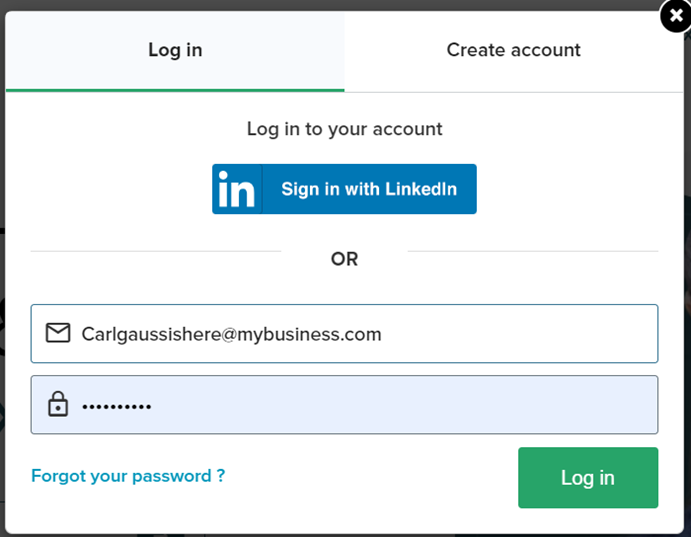
- Click on the "Forgot your password" button.
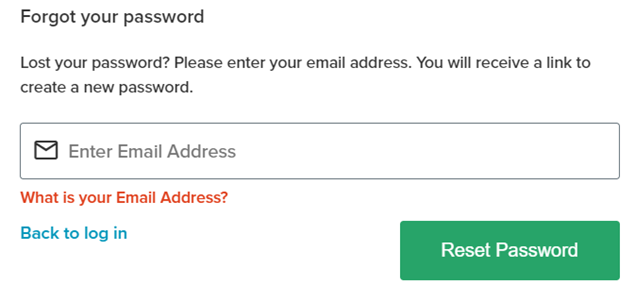
2. Enter your registered email address in the new window that will appear. Click on
“Reset Password”.
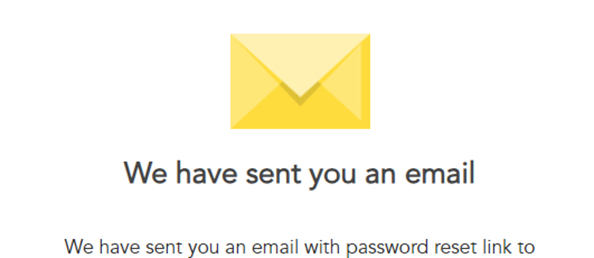
3. A confirmation message will show up on your screen.
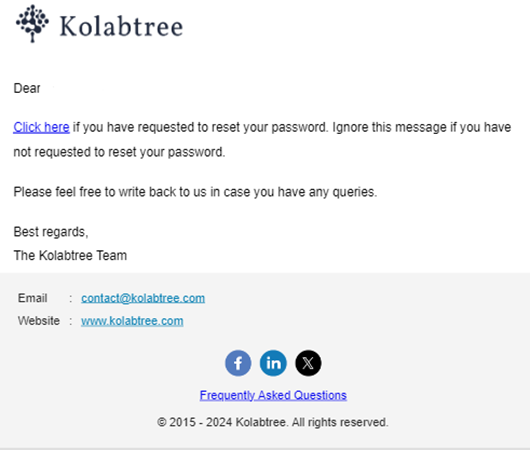
4. Check your mailbox for an Password reset email from Kolabtree.

5. Click on the "Click Here" link in the email.
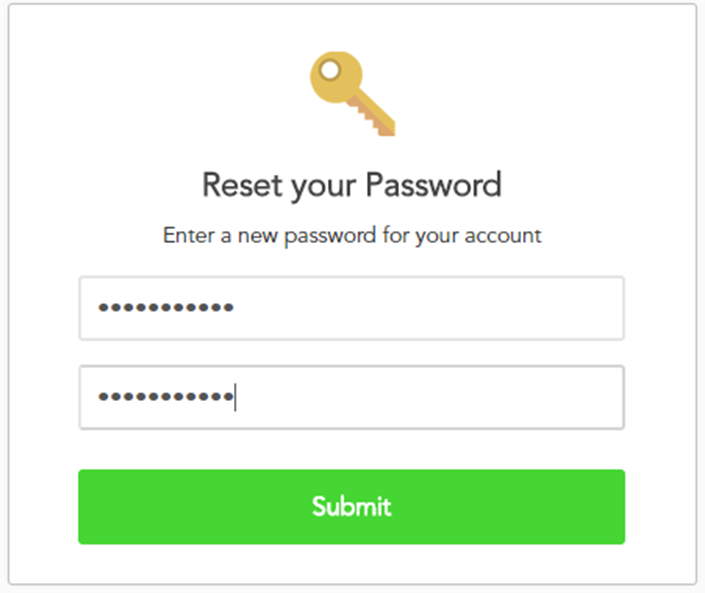
6. Enter your new password in the new window that appears. Click on Submit.
Was this article helpful?
That’s Great!
Thank you for your feedback
Sorry! We couldn't be helpful
Thank you for your feedback
Feedback sent
We appreciate your effort and will try to fix the article