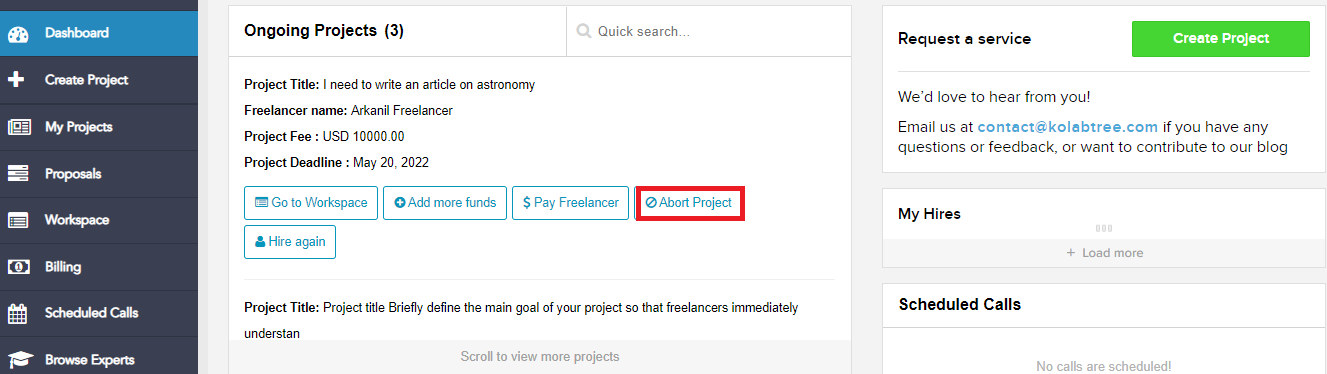
To abort a project, please proceed to your "Dashboard" from your Kolabtree account. In the dashboard you will find your list of on-going projects, please select "Abort Project" option under the project name to abort a project. Please note you can only abort a project if it is funded. If the project is not funded, please reach out to us and we will guide you with the next steps
Was this article helpful?
That’s Great!
Thank you for your feedback
Sorry! We couldn't be helpful
Thank you for your feedback
Feedback sent
We appreciate your effort and will try to fix the article