You can track all projects for which you have submitted proposals through the “Proposals” page in your Kolabtree account. To access this page:
- Log in to your Kolabtree account.
- Go to your Dashboard.
- Select the “Proposals” tab from the left-hand menu.
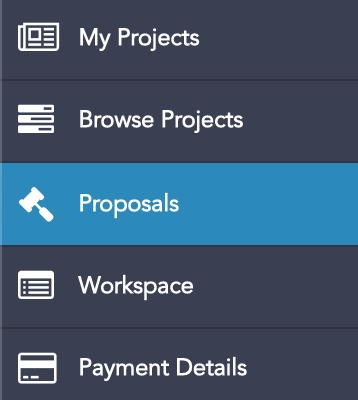
On this page, you will be able to view all proposals you have submitted. You can also use the dropdown menu at the top of the page to switch between different projects and view their current status.
If you experience any issues accessing your proposals, please email contact@kolabtree.com
Was this article helpful?
That’s Great!
Thank you for your feedback
Sorry! We couldn't be helpful
Thank you for your feedback
Feedback sent
We appreciate your effort and will try to fix the article