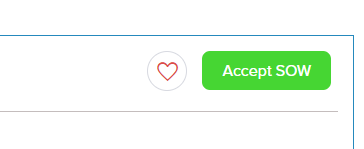
Once you have discussed the project scope in detail with the freelancer(s) you would like to work with, and you are ready to move forward, you will need to visit your "Proposals" page. In the proposal page you will need to click on the proposal from the freelancer you wish to hire. Next to that you will find an option to "Accept SOW". Please click on "Accept SOW" to start working with the freelancer.
Was this article helpful?
That’s Great!
Thank you for your feedback
Sorry! We couldn't be helpful
Thank you for your feedback
Feedback sent
We appreciate your effort and will try to fix the article